Get a Quote

3D Building Designer

Design your building
before you spend a dollar.

No software to install. No login required. Configure your steel building in the browser, see it from every angle, and send it to us when you’re ready for a quote.

01

Pick Your Frame

Choose between Red Iron or Cold Formed for your frame type, and set your overall dimensions. (Tubular and Panelized systems may be ordered by kit or full architectural custom plans only.)

02

Configure

Eve height, roof pitch, doors, windows, color. The 3D model updates in real time.

03

Walk Around It

Rotate, zoom, walk through the interior, and even add in to-scale props to see exactly what you’re getting and make sure that it works for your space.

04

Send It to Us

Click “Request a Quote” and your design comes straight to NatMar — where we’ll clear with engineering and get you numbers.

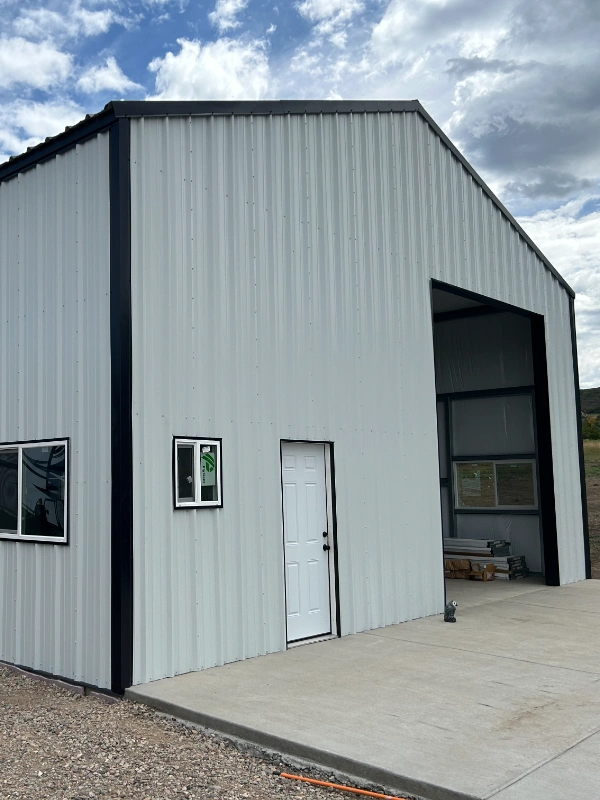
Steel building configured with NatMar 3D Designer

Interactive Designer

Start Designing

Portfolio

Recent Builds

Ready?

Do You Have
a Project?

Tell us what you’re building. We’ll get back with a custom quote.